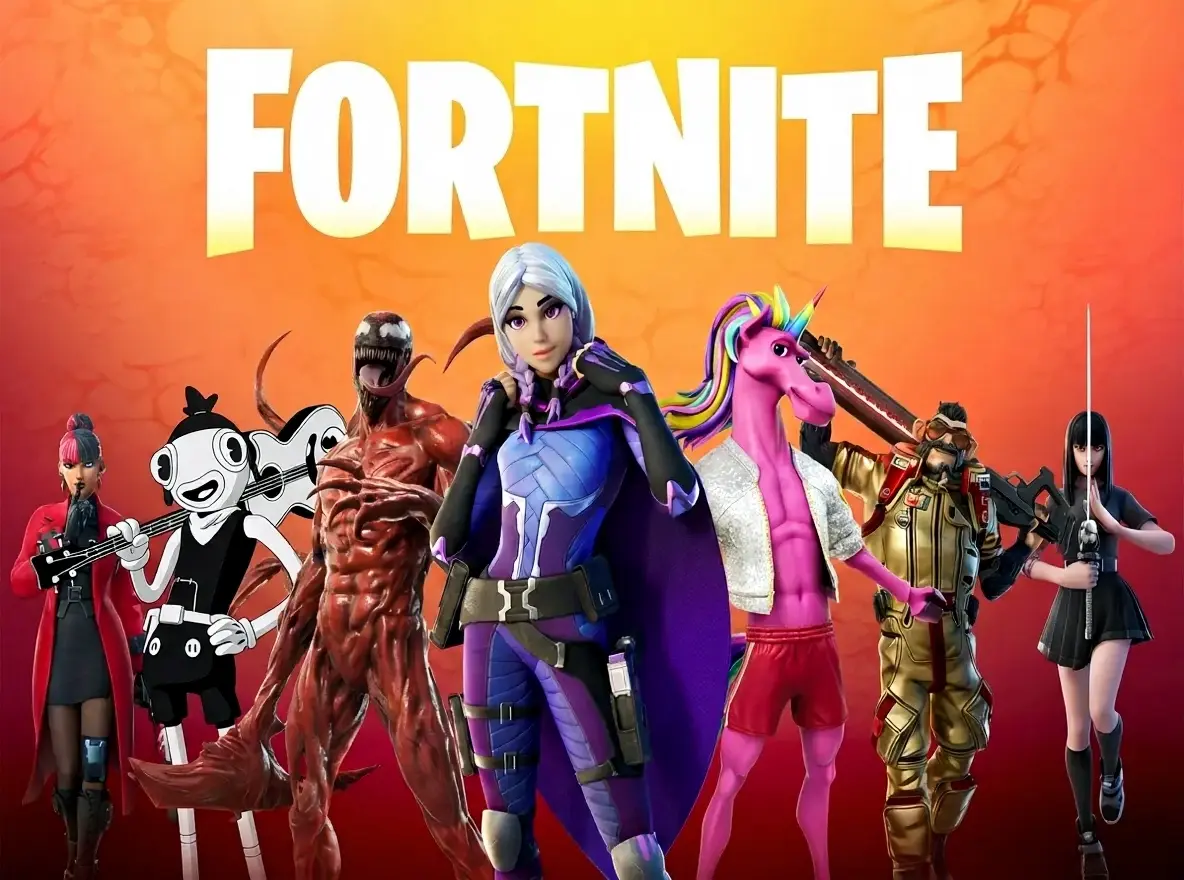
Fortnite
剪輯工具
15-30 分鐘內將你的 Fortnite 直播轉為 TikTok 短片。AI 自動找出 Ace、逆轉局及精彩時刻。
5-8
每部影片產出片段
9:16
直式與橫式輸出
15-20 min
處理時間(本地上傳)
為什麼選擇 FragCut 來剪 Fortnite
01
針對 Fortnite 調校的 AI
AI 針對 Fortnite 調校,Victory Royale、建築對決、高殺數場次都抓得到。Box fight 和 clutch 1v3 也偵測得到,不用自己翻幾個小時的錄影。
02
處理速度夠快
錄影丟上去就跑,一般本地上傳 15 到 30 分鐘出來。你去跑下一局,AI 自己把 Victory Royale 和精彩時刻全翻出來。
03
發出去就是成品
片段已經針對 TikTok、YouTube Shorts、Instagram Reels 格式化好了,字幕也燒進去了,9:16 直式沒問題,不用再另外處理。
Fortnite 精彩片段
Three steps, zero timeline

01
Feed it a match
Upload the raw recording or let FragCut grab your Twitch VOD the moment the stream ends.

02
AI finds the moments
Kills, aces, clutches, chat spikes and fails. FPS-tuned detection, works on any game.

03
Post or download
Vertical 1080×1920 with subtitles. Send straight to YouTube Shorts or grab the file.
常見 Fortnite 問題
Short answers to the questions we get most. Still stuck? We answer email within two days.
Contact supportFortnite 剪輯工具是什麼?
就是軟體自動掃你的錄影,把 Victory Royale、高殺數、建築對決、clutch 時刻找出來切好。不用自己一格一格拖,上傳影片,幾分鐘後拿可以發的片段。
FragCut 能偵測建築對決和 box fight 嗎?
可以,AI 是用 Fortnite 機制訓練的,建築對決、box fight、edit 操作都認識。激烈建築戰、近距離交火、快速 edit 和 reset 這些動作都有偵測。加上 Victory Royale 和消滅數偵測,大部分精彩時刻都抓得到。
Battle Royale、Zero Build 和創意模式都支援嗎?
都支援。一般 Battle Royale(有建築)、Zero Build 模式、創意地圖、競技模式全部可以跑。不管是休閒局、排位賽還是錦標賽錄影,跑出來的結果一樣。
FragCut 可以剪輯 Fortnite 的遊戲畫面嗎?
可以。FragCut 支援 Fortnite,並具備 AI 精彩片段偵測功能。上傳影片後即可取得可下載的短片。AI 會找出:Victory Royale, 高消滅數場次(10 殺以上), 建築對決及 edit 操作 等精彩時刻。
FragCut 能偵測哪些 Fortnite 時刻?
AI 可偵測:• Victory Royale • 高消滅數場次(10 殺以上) • 建築對決及 edit 操作 • Clutch 1vX • Box fight 精華 • 狙擊手消滅 • Squad wipe • 熱點降落激戰。
剪輯我的 Fortnite 影片需要多長時間?
處理時間通常為 15-30 分鐘,視影片長度而定。若透過 Twitch URL 匯入,系統在開始處理前需要額外時間下載影片。你將獲得多個適用於 TikTok、Reels 和 Shorts 的短片。可選擇直式(9:16)或橫式(16:9),並附帶字幕。
我可以下載 Fortnite 的短片嗎?
可以。以 MP4 格式下載(H.264、30fps)。付費方案不含浮水印。所有內容的版權均歸你所有。
FragCut 支援哪些影片格式?
支援 MP4、MOV、AVI 及其他常見格式。上傳你的 Fortnite 遊戲錄影(最長 4 小時),AI 即會自動找出精彩片段。
你的 Victory Royale,準備好剪了嗎?
上傳你的 Fortnite 錄影,精彩時刻讓 AI 去找。
More AI Clip Makers
Valorant
FPS
Counter-Strike 2
FPS
Apex Legends
Battle Royale
Overwatch 2
FPS
Deadlock
MOBA Shooter
Delta Force
FPS
Marvel Rivals
Hero Shooter
League of Legends
MOBA
Dota 2
MOBA
ARC Raiders
Extraction Shooter
Grand Theft Auto V
Open World
Minecraft
Sandbox
Call of Duty: Warzone
Battle Royale
Rainbow Six Siege
FPS
Escape from Tarkov
Extraction Shooter
Rust
Survival給 Fortnite 創作者的教學
來自 FragCut 部落格的逐步剪輯教學。
How to Clip Fortnite on PC Without Slowing Down Your Game
A practical guide to clipping Fortnite on PC using instant replay, the in-game replay system, or your stream VOD, with the frame cost of each.
閱讀教學 →
Best Clipping Software for Gaming: What Streamers Should Look For
A practical way to choose gaming clipping software based on how you record, review, edit, and repurpose your clips.
閱讀教學 →
How to Turn Twitch VODs Into Clips
A repeatable workflow for turning Twitch VODs into vertical clips without rewatching every full stream.
閱讀教學 →正在比較 Fortnite 的剪輯軟體?看看最佳的 Medal 替代方案與Eklipse 替代方案。