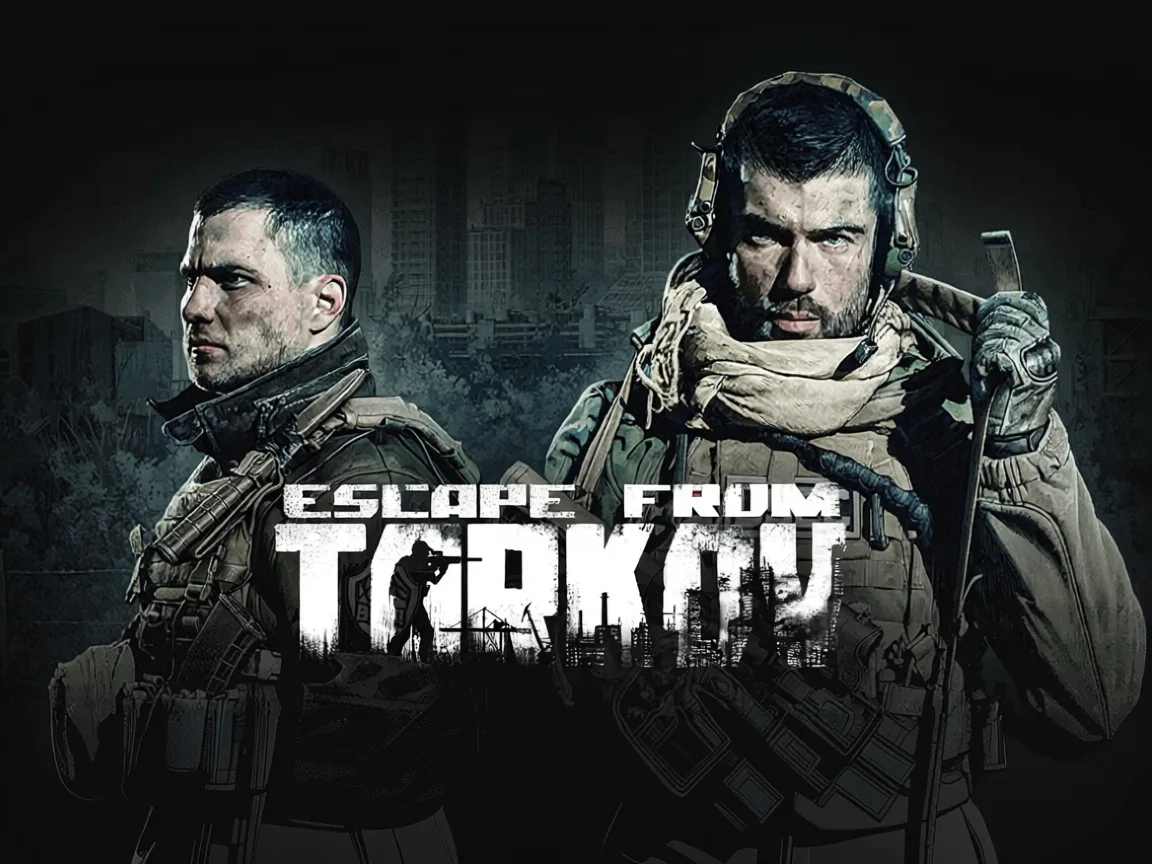
Escape from Tarkov
Clip Maker
Turn your Escape from Tarkov streams into TikTok clips in 15-30 minutes. AI finds aces, clutches, and highlight moments.
5-8
clips per video
9:16
vertical & horizontal output
15-30 min
average processing time
Why Choose FragCut for Escape from Tarkov
01
Built for Tarkov's Chaos
EFT raids don't follow a script — FragCut's AI tracks the intensity. It detects boss fights on Reserve, Factory 1v4s, and Customs extraction runs without you telling it what to look for.
02
Works on Full Session Recordings
Drop in a 2-hour Interchange VOD and FragCut pulls the moments worth keeping — Killa drops, gun fight wins, near-death extractions. No manual timestamps, no cutting frame by frame.
03
Clips Ready for Discord and YouTube
Your Tarkov highlights come out formatted for wherever you post — tight 30-60 second cuts for Discord, or longer raid recaps for YouTube. No extra editing needed after export.
Escape from Tarkov Highlights
Three steps, zero timeline

01
Feed it a match
Upload the raw recording or let FragCut grab your Twitch VOD the moment the stream ends.

02
AI finds the moments
Kills, aces, clutches, chat spikes and fails. FPS-tuned detection, works on any game.

03
Post or download
Vertical 1080×1920 with subtitles. Send straight to YouTube Shorts or grab the file.
Frequently Asked Escape from Tarkov Questions
Short answers to the questions we get most. Still stuck? We answer email within two days.
Contact supportWhat is an Escape from Tarkov clip maker?
An Escape from Tarkov clip maker is AI software that automatically scans your raid recordings and pulls out highlight moments — boss kills, extraction clutches, gun fight wins — without manual scrubbing. Upload your footage and get shareable clips in minutes.
Can FragCut detect boss kills like Killa and Reshala automatically?
Yes. FragCut's AI recognizes high-intensity combat sequences that typically occur during boss encounters on Factory, Interchange, Customs, and other maps. It identifies spike moments in your footage — rapid kills, high damage taken, dramatic fight endings — which line up with boss fights and multi-kill sequences. You don't need to tag timestamps manually.
Does FragCut work with both PMC and Scav raid recordings?
Yes — FragCut processes any Escape from Tarkov video content regardless of whether you're running as a PMC or Scav. It works on solo raids, duo sessions, and full squad VODs. Any recording that captures combat, extraction attempts, or high-stakes loot moments can be analyzed and clipped.
Can FragCut clip Escape from Tarkov gameplay?
Yes. FragCut supports Escape from Tarkov with AI highlight detection. Upload your video and get clips ready for download. The AI finds: PMC multi-kill streak, Boss eliminations (Killa, Reshala, Tagilla, Shturman), Clutch raid extraction under fire, and more.
What Escape from Tarkov moments does FragCut detect?
The AI detects: • PMC multi-kill streak • Boss eliminations (Killa, Reshala, Tagilla, Shturman) • Clutch raid extraction under fire • 1v3 fight comeback • Sniper headshot across the map • Grenade multi-kill in tight corridors • High-value loot run completion • Surviving a Raiders ambush on Reserve.
How long does it take to clip my Escape from Tarkov video?
Processing typically takes 15-30 minutes depending on video length. For Twitch URL imports, additional time is required to download the video before processing begins. You get multiple clips ready for TikTok, Reels, and Shorts. Choose vertical (9:16) or horizontal (16:9). Subtitles included.
Can I download my Escape from Tarkov clips?
Yes. Download as MP4 files (H.264, 30fps). No watermarks on paid plans. You own all your content.
What video formats does FragCut support?
MP4, MOV, AVI, and other common formats. Upload your Escape from Tarkov gameplay recording (up to 4 hours) and the AI finds the highlights.
Stop Hunting Through Your Raid Footage
FragCut finds your best PMC kills, boss fights, and clutch extractions automatically. Upload and go.
More AI Clip Makers
Valorant
FPS
Counter-Strike 2
FPS
Apex Legends
Battle Royale
Overwatch 2
FPS
Deadlock
MOBA Shooter
Delta Force
FPS
Marvel Rivals
Hero Shooter
League of Legends
MOBA
Fortnite
Battle Royale
Dota 2
MOBA
ARC Raiders
Extraction Shooter
Grand Theft Auto V
Open World
Minecraft
Sandbox
Call of Duty: Warzone
Battle Royale
Rainbow Six Siege
FPS
Rust
SurvivalGuides for Escape from Tarkov creators
Step-by-step clipping guides from the FragCut blog.
Best Clipping Software for Gaming: What Streamers Should Look For
A practical way to choose gaming clipping software based on how you record, review, edit, and repurpose your clips.
Read the guide →
How to Turn Twitch VODs Into Clips
A repeatable workflow for turning Twitch VODs into vertical clips without rewatching every full stream.
Read the guide →
AI Clip Maker for Twitch Streamers: What Actually Matters
A working checklist for choosing a Twitch AI clip maker that finds real gaming moments, exports vertical clips, and cuts review time.
Read the guide →Comparing clipping software for Escape from Tarkov? See the best Medal alternatives and Eklipse alternatives.